Create the first flow asset
To create a new flow asset for the first time from theWrench landing page, either use the keyboard shortkey CTRL + n or select Create new asset.
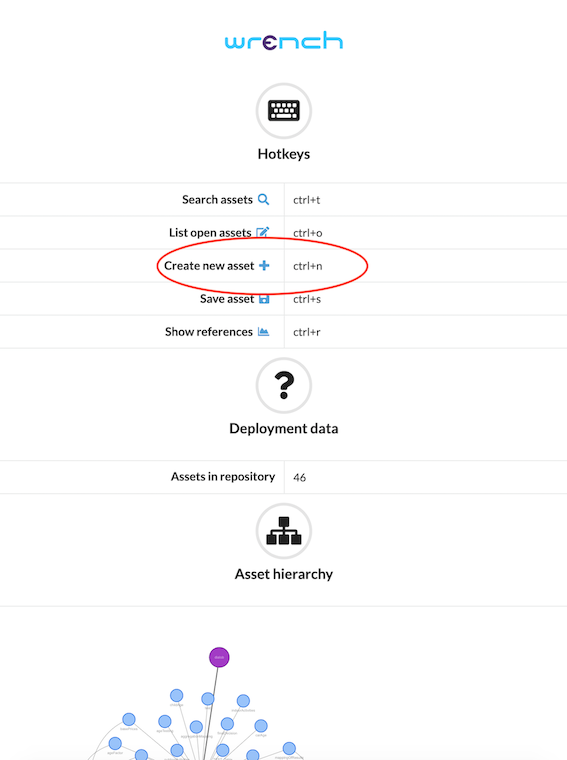
Because we are going to create a flow called carInsurancePricer, assign this as your asset idenfier. Then, select Flow as asset type.

You will now be presented with this screen, your new flow.
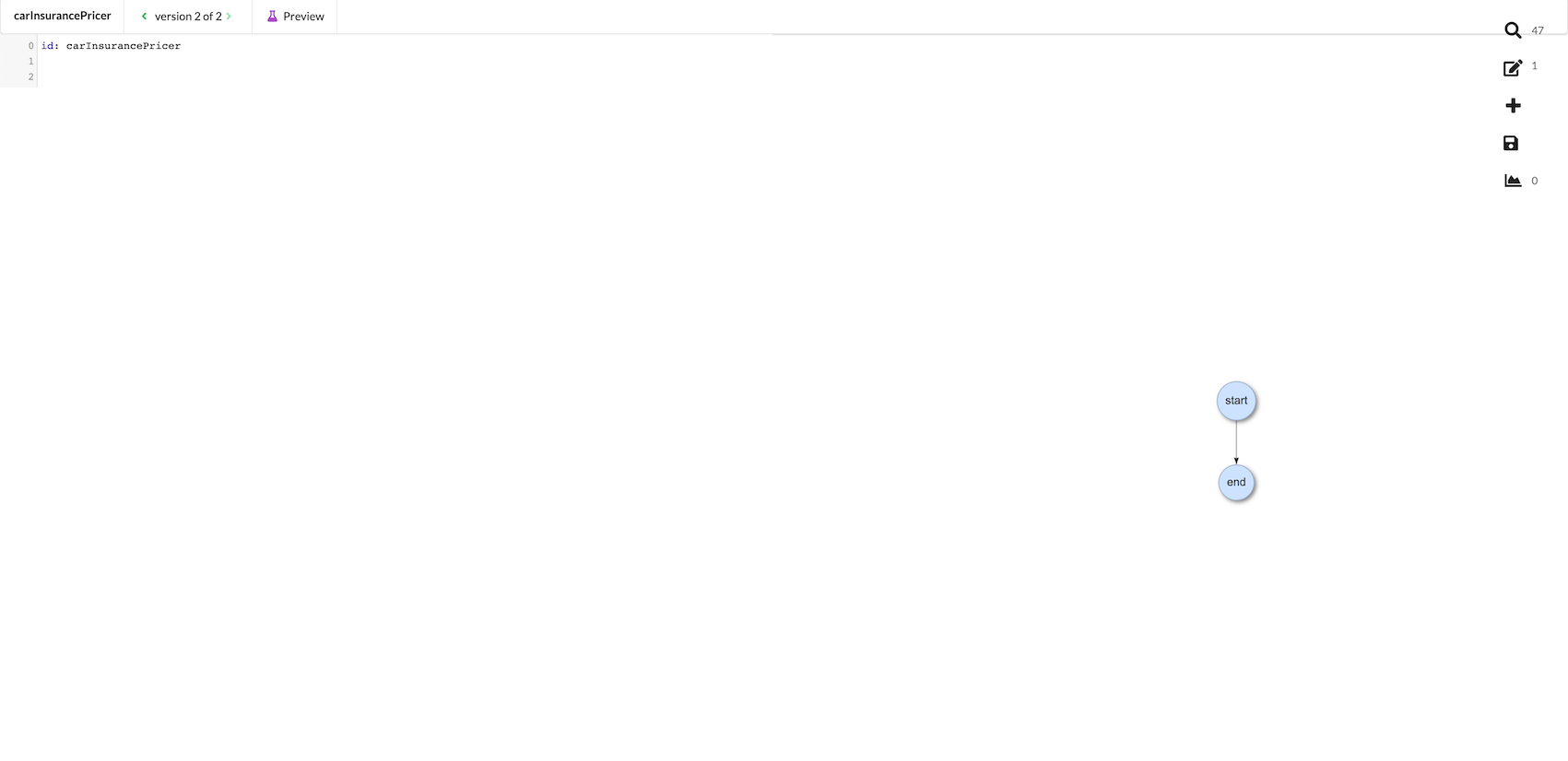
Give your flow a description by using the keyboard shortcut CTRL + SPACE to bring up the “Insert” drop down menu.
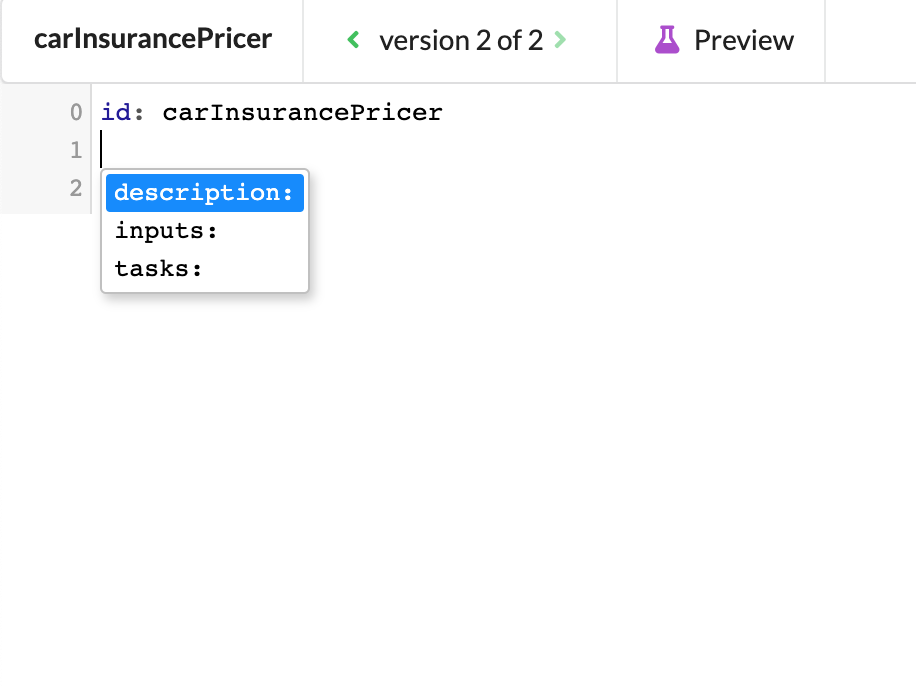
Now, type your description.

Note that a green asterisk has appeared on the save icon on the right side menu. This means that there are unsaved changes. Click to save.
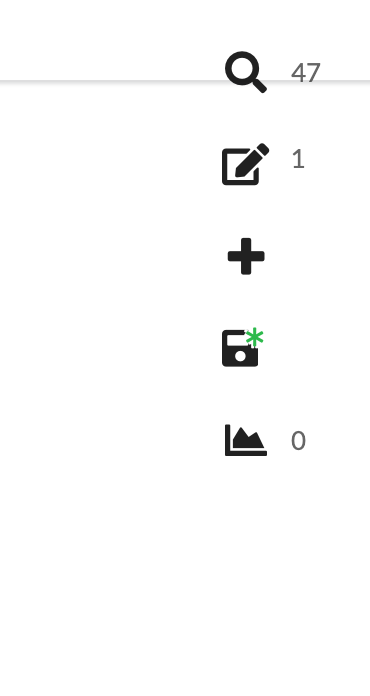
Be sure to save frequently or anytime you have important changes. Also, remember that saving is not universal. Each asset needs to be saved individually.